
How Much Does a Business Website Cost in the UK?
You need a website for your business, and you've had three quotes: one for £700, one for £3,000, and one for £15,000. They all promise a professional website. None of them clearly explain what makes the expensive one worth ten times more than the cheap one.
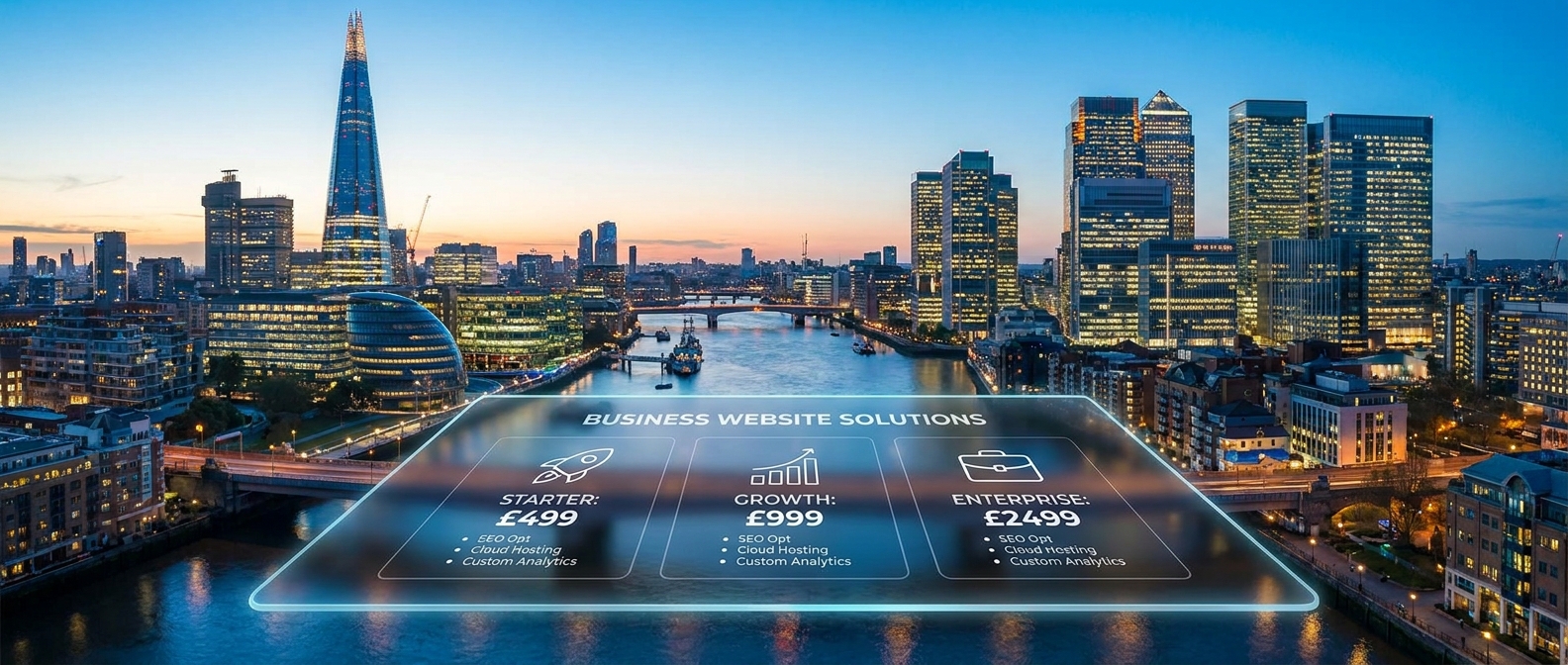
A reasonable budget for a UK small business website in 2026 sits between £3,000 and £8,000 for most companies. Below that, you're getting a template with your logo on it. Above that, you're paying for custom functionality, e-commerce, or integrations that not every business needs. The right number depends on what your website actually needs to do - and that's a business question, not a design question.
What do you get at each price point?
The gap between a £500 website and a £10,000 website isn't just about how it looks. It's about what it does, how well it ranks on Google, and whether it actually brings in enquiries.
Under £1,000: You're building it yourself on Wix, Squarespace, or a similar platform, or you're paying someone to do the bare minimum with a pre-made template. The site will exist, it'll look passable, but it won't be optimised for search, the page speed will be average, and the structure probably won't be set up to convert visitors into leads.
For a brand-new business testing an idea, this might be fine temporarily. For anything else, you'll outgrow it quickly.
You also have to think about connections- to your email, to your phone, to WhatsApp. Who is going to make sure it all just works?
£2,000–£5,000: This is where most UK SMEs should be looking. At this range, you'll get a properly structured WordPress or Webflow site with 5–15 pages, basic SEO built in, mobile responsiveness done properly, and a contact form that actually works with your email or CRM.
A decent freelancer or small agency can deliver this in 3–6 weeks. It won't have complex custom features, but for a service business that needs to look credible and show up on Google, it's the sweet spot. They'll plumb the leads into your CRM, test it to make sure it works and should give you ongoing support for a small fee.
£5,000–£15,000: Custom design, more pages, e-commerce functionality, social and booking systems, 2 way CRM integrations, more tools or multi-location setups. If you're running an online shop, need a client portal, or have specific workflow requirements, this is the bracket. You're paying for a developer who thinks about how the site connects to the rest of your business, not just how it looks.
£15,000+: Fully custom builds with bespoke functionality, complex integrations, large e-commerce catalogues, or sites that need to handle high traffic volumes. Most SMEs don't need this. If someone's quoting you £20,000 for a brochure website, get a second opinion. But don't undercook it. If your business is already working well and you want to grow, investing in a proper website and a better user journey can massively increase your conversion rates. Getting expert guidance costs more, but allows you to focus on your day job of growing the business
AI Build- the DIY alternative. You can of course build a full website with just AI. But then you are the web developer, change manager, Google admin, problem solver. If you are technically minded, this could be a good alternative, but you will likely have to compromise on design. Most AI-build website have a kind of tell. You can instantly look at them and see that it is a quick AI build. We often use AI to assist in website builds. But we design everything from scratch and then code it and test it manually. We've seen how good and bad the builds can be, and businesses need consistency, not a form that goes nowhere.
Should you build it yourself or hire someone?
If you're weighing up doing it yourself on Wix/Squarespace versus hiring a professional, the honest answer depends on what your time is worth and what the website needs to achieve.
DIY platforms have got genuinely good. You can build a decent-looking site on Squarespace in a weekend. But decent-looking and effective aren't the same thing.
We've rebuilt sites for clients who spent months on a DIY build and couldn't work out why nobody was filling in the contact form. The answer was usually one of three things: the site was slow, Google couldn't crawl it properly, or the page structure made it hard for visitors to find what they needed.
If your website is your main source of new business, treat it like infrastructure, not a weekend project. You wouldn't do your own accounts to save money if it meant getting your tax return wrong. The same logic applies to the thing that's supposed to bring in your customers.
That said, if you're a brand-new business with no revenue yet, a Squarespace or Wix site is a perfectly sensible starting point. Get it live, start trading, and upgrade when you've got proof that the business works. Just don't expect it to rank well on Google or compete with established competitors in your space.
What's the real cost of a cheap website?
The price is only part of the picture. A £500 website that doesn't rank on Google, loads slowly on mobile, and converts at 0.5% is more expensive than a £5,000 website that ranks, loads fast, and converts at 3%.
Let's say you're spending £2,000 a month driving traffic to your website through Google Ads or social. If your site converts 1% of visitors into enquiries, you're getting 20 leads a month. If a better-built site converts at 3%, that's 60 leads from the same ad spend. The website has already paid for itself in the first month.
We built a targeted microsite for a B2B furniture brand - a single focused site designed to do one job well. It generated over £20,000 in sales within 3 months. They didn't need a whole new website. They just needed more sales leads. The cost of building it was a fraction of that. The return wasn't because the site was pretty. It was because the structure, the messaging, and the user journey were all built around converting a specific type of visitor.
What should you prioritise in a website brief?
When you're talking to a web designer or agency, don't lead with how you want the site to look. Lead with what you want it to do. Here's what matters most:
Page speed. If your site takes more than 3 seconds to load, you're losing visitors before they've even seen your homepage. Ask any developer you're considering to show you their PageSpeed Insights scores on recent builds. If they don't know what that means, find someone who does.
Mobile experience. Over 60% of UK web traffic comes from phones. Your site needs to work properly on a mobile screen - not just shrink down to fit, but actually be easy to navigate and read with a thumb. Check any potential designer's portfolio on your phone, not just your laptop.
SEO foundations. A website that nobody can find on Google is an expensive business card. At minimum, you need: proper heading structure (H1, H2, H3), unique meta titles and descriptions on every page, fast load times, an XML sitemap, and Google Search Console set up from day one. These are basics, not extras - and a surprising number of web designers skip them.
Clear calls to action. Every page should make it obvious what you want the visitor to do next. Call you, fill in a form, book a meeting, request a quote. If someone lands on your services page and has to hunt for a phone number, you've lost them.
Analytics from day one. Google Analytics 4 (GA4) and Google Search Console should be installed and configured before the site goes live. If your designer says they'll "sort that out later," they won't. And you'll be flying blind for months.
Make it look good. Of course, once you get the basics right, you want it to look great too. But that's relatively easy.
How much should ongoing costs be?
The build is a one-off cost. The ongoing running costs catch people out. Budget for:
Hosting: £5–£50/month depending on the platform. WordPress hosting on something like SiteGround or Kinsta runs around £10–£30/month for a small business site. Wix and Squarespace include hosting in their subscription (£12–£30/month).
Domain name: Around £10–£15/year for a .co.uk. Don't let your designer register this in their name - make sure you own it directly.
SSL certificate (the padlock in the browser): Usually included with hosting now. If someone charges you separately for this, question it. Without it, you won't index and clients won't trust you.
Maintenance and updates: WordPress sites need regular plugin updates and security patches. Budget £50–£100/month if you're paying someone to manage this, or do it yourself if you're comfortable. Wix and Squarespace handle this automatically.
Content updates: Your website isn't a set-and-forget asset. Plan to update key pages at least quarterly - pricing, case studies, team information. Stale content tells Google and your visitors that nobody's home.
What to do next
Before you get quotes or start building, work through these four things:
Write down what the website needs to do, not what it needs to look like. Generate leads? Sell products? Book appointments? Establish credibility? This shapes every other decision.
Check what your competitors' websites look like - not to copy them, but to understand the baseline expectation in your sector. If every competitor has case studies, pricing info, and live chat, a three-page brochure site won't cut it.
Set a realistic budget based on your revenue. If the website is your primary customer acquisition channel, it's worth investing properly. If it's just a credibility check for people who already know your name, a simpler build is fine.
Get three quotes and compare what's included, not just the price. Ask each one: what platform, how many revision rounds, who handles SEO setup, what happens after launch if something breaks, and who owns the site if you part ways.